git clone <<
Previous Next >> ORError
刪除submodule
參考資料:https://stackoverflow.com/questions/1260748/how-do-i-remove-a-submodule
To remove a submodule you need to:
- Delete the relevant section from the
.gitmodules file.
- Stage the
.gitmodules changes:
git add .gitmodules
- Delete the relevant section from
.git/config.
- Remove the submodule files from the working tree and index:
git rm --cached path_to_submodule (no trailing slash).
- Remove the submodule's
.git directory:
rm -rf .git/modules/path_to_submodule
- Commit the changes:
git commit -m "Removed submodule <name>"
- Delete the now untracked submodule files:
rm -rf path_to_submodule
我的作法:
進行以下動作前請先備份整個倉儲
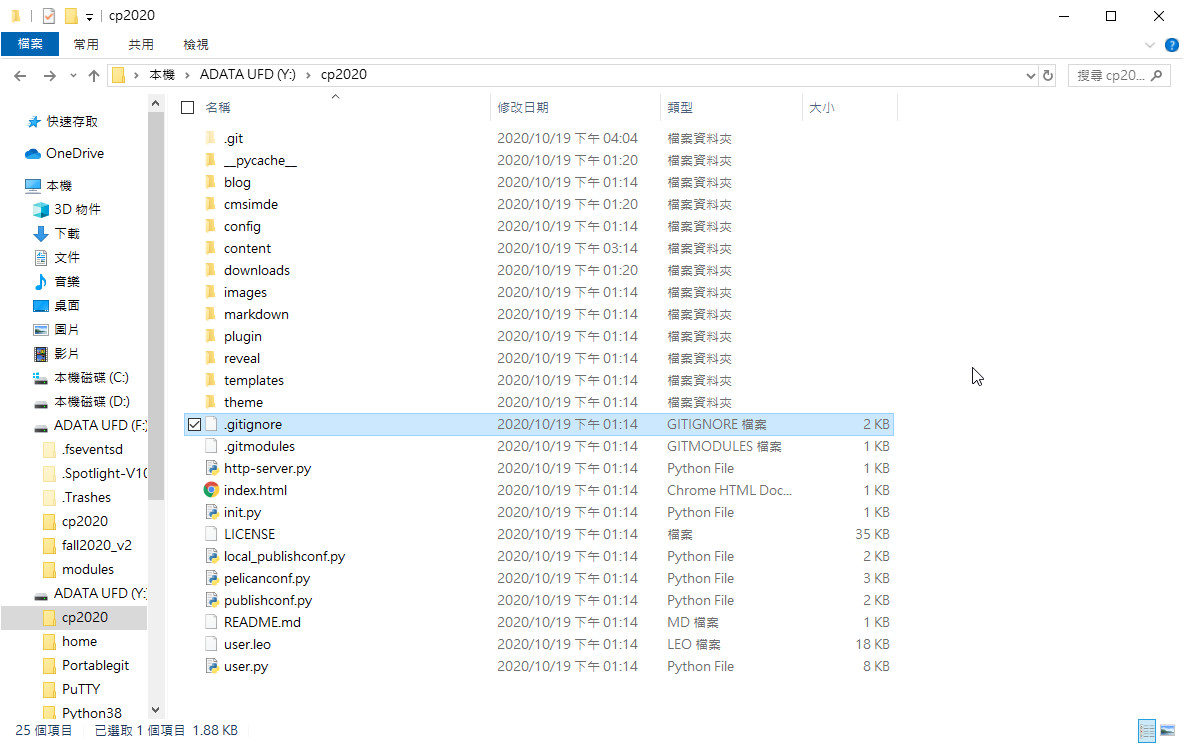
Delete the relevant section from the .gitmodules file.
把倉儲目錄中的 .gitmodules 中的東西刪掉,(我這裡點錯了應該是.gitmodules)
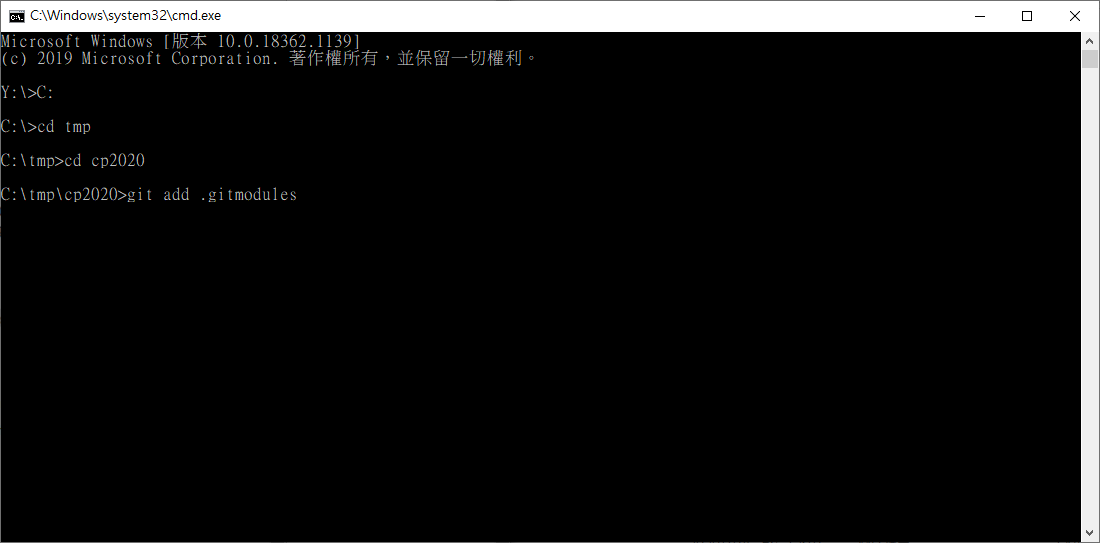
Stage the .gitmodules changes:
git add .gitmodules
以 git add .gitmodules 使git追蹤變更後的 .gitmodules
Delete the relevant section from .git/config.
把 .git 資料夾中的 config 中相關 submodule 的東西刪掉

Remove the submodule files from the working tree and index:
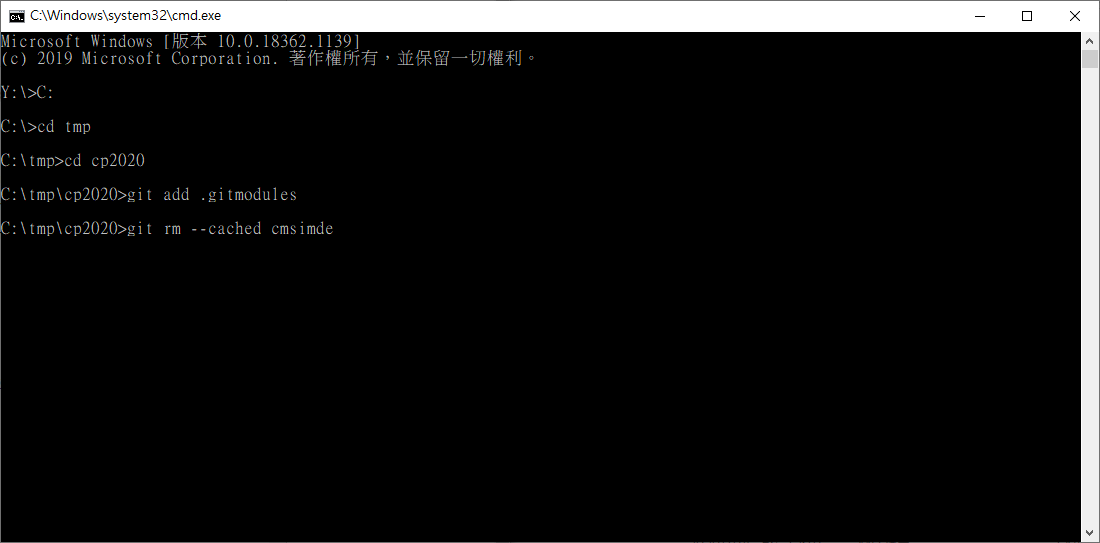
git rm --cached path_to_submodule (no trailing slash).
以 git rm --cached cmsimde(submodule名稱)刪除 submodule
Remove the submodule's .git directory:
rm -rf .git/modules/path_to_submodule
這個我無法執行,但把倉儲目錄中的submodule(cmsimde)資料夾整個刪掉就好,警告!若是編輯完頁面push時出現問題才來刪的話,cmsimde資料夾內包含還未push上去的東西
補充:先將 .git\modules\cmsimde 備份起來後刪掉,然後第7點我沒做
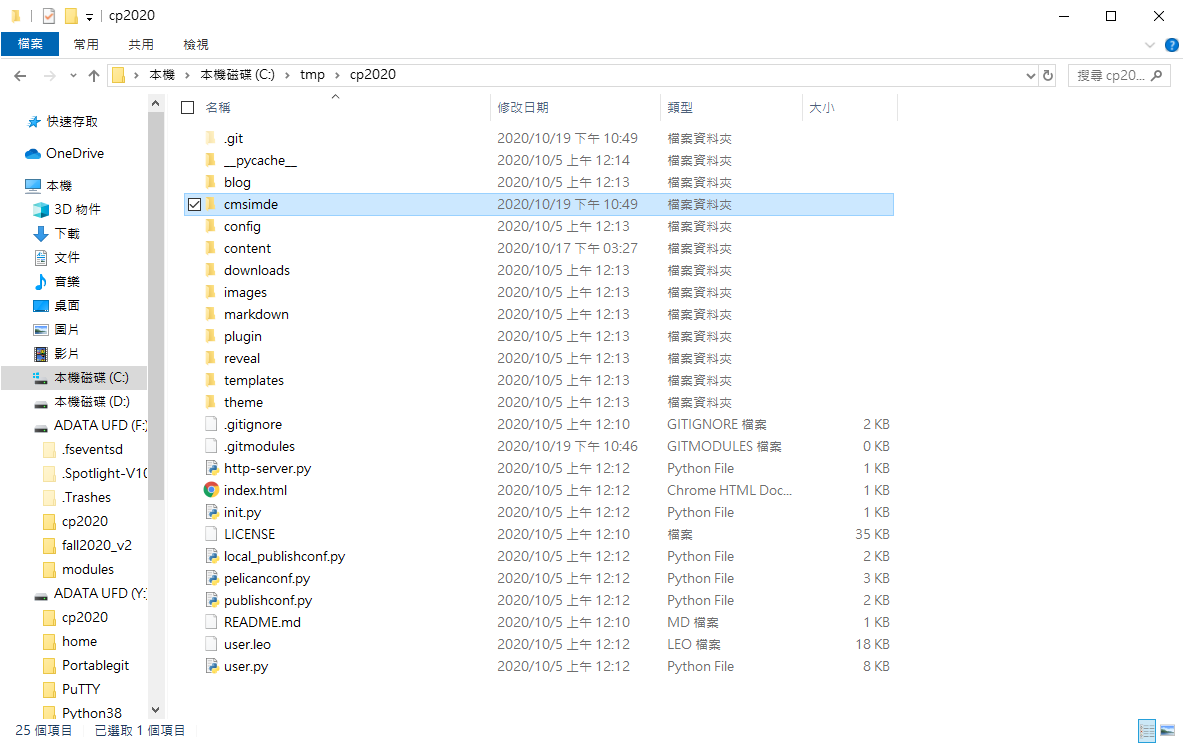
補充:先將 .git\modules\cmsimde 備份起來後刪掉,然後第7點我沒做
Commit the changes:
git commit -m "Removed submodule <name>"
用 git commit -m "你剛幹了啥" 提交
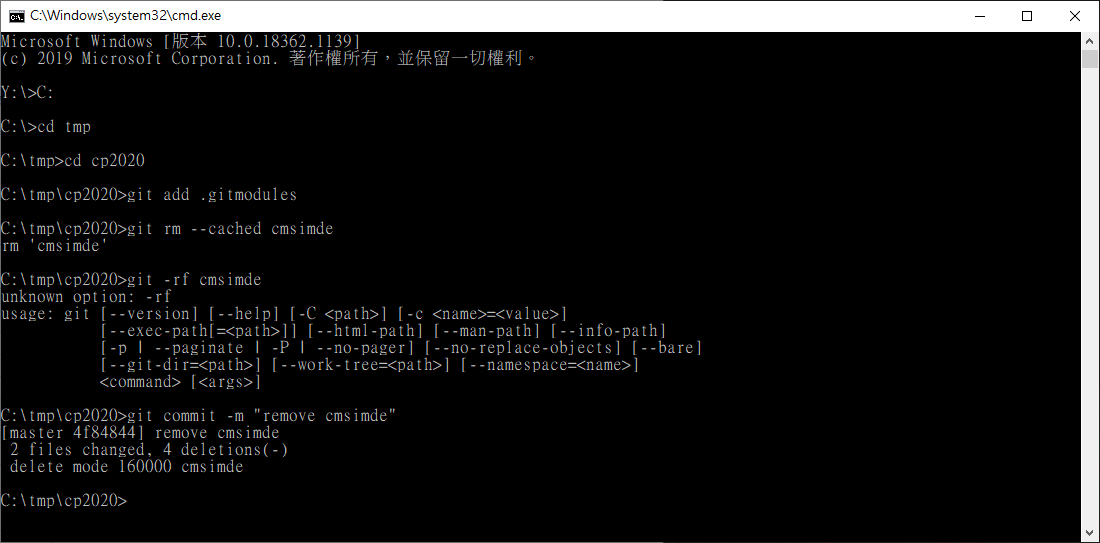
刪除到了這邊就結束了,要再添加submodule的話就打:
git submodule add https://github.com/mdecourse/cmsimde.git cmsimde
之後再git commit -m "submodule add"
最後push上去
git clone <<
Previous Next >> ORError